








AI isn’t magic. Analytics isn’t a dashboard. And data isn’t valuable just because you have a lot of it. Real value happens when your organization can make better decisions faster with clarity, confidence, and consistency. That’s the philosophy behind DLAN AI solutions. DLAN helps organizations build strong data foundations, create analytics that people actually use, and implement practical AI that improves real workflows (without the hype). Let’s walk through how DLAN turns data into decisions. Start With the Decisions (Not the Tools) A lot of AI projects fail because they start with technology instead of business reality. DLAN AI solutions begin by asking: This decision-first approach prevents “cool demos” that never make it into operations. 1) Data Pipelines That Make Analytics Reliable Dashboards are only as good as the data feeding them. DLAN helps organizations build data pipelines that: The goal is reliability: a single source of truth that stakeholders trust because once trust is gone, adoption disappears. 2) Analytics Dashboards People Actually Use Let’s be honest: many dashboards look impressive but don’t change decisions. DLAN AI solutions emphasize dashboard design that’s: When analytics is practical and clear, it becomes part of daily work not a once-a-month report. 3) Practical AI Use Cases That Improve Operations AI is most valuable when it reduces friction and improves outcomes. DLAN supports practical AI use cases such as: The key phrase here is practical. DLAN AI solutions aim for measurable, operational impact not hype. 4) Intelligent Automation That Saves Time (and Protects Quality) Automation is where AI often becomes immediately useful. DLAN helps implement intelligent automation by focusing on: Automation isn’t just about speed it’s about consistency and quality at scale. 5) Governance: Keeping AI and Analytics Trustworthy Without governance, data and AI become risky fast. DLAN AI solutions support governance practices such as: The goal is to ensure AI remains reliable as conditions change. What “Data-Driven” Looks Like with DLAN When DLAN AI solutions are implemented well, you start seeing: That’s what it means to turn data into decisions. FAQ: DLAN AI Solutions What are DLAN AI solutions focused on? DLAN AI solutions focus on practical outcomes: better decisions, reliable analytics, strong data pipelines, and intelligent automation that improves day-to-day operations. Does DLAN help with data pipelines and dashboards? Yes DLAN supports building data pipelines, trusted datasets, and dashboards designed around how teams actually work. How does DLAN avoid “AI hype”? By starting with business decisions, prioritizing measurable use cases, and implementing governance so systems remain trustworthy over time. Call to Action: If you want AI and analytics that drive real decisions not just reports DLAN AI solutions can help you build a foundation and deliver measurable impact.

Custom software can be a game-changer until it becomes fragile, slow, and expensive to maintain.Scaling isn’t just about “handling more users.” It’s about building software that stays reliable as your business grows, your needs evolve, and your expectations rise. That’s why DLAN software development focuses on scalable architecture, secure engineering, and delivery practices that keep software performant not just on launch day, but long after. Let’s walk through what “software that scales” really means and how DLAN helps you build it. Scaling Starts Before Code A lot of software problems are born in the planning phase: DLAN software development starts with alignment: This prevents a common trap: building fast now and paying for it forever. 1) Custom Applications Built Around Real Business Workflows Off-the-shelf tools can’t always match how your organization actually operates. DLAN software development supports custom solutions like: 2) Enterprise Systems That Don’t Collapse Under Complexity Enterprise environments bring complexity: DLAN helps build enterprise-grade systems by focusing on: The result is software that can expand without becoming chaotic. 3) Secure Development That Protects Growth Security isn’t something you sprinkle on at the end. Security is how you avoid being forced into emergency rebuilds later DLAN software development emphasizes secure engineering practices such as: Security-first software isn’t just safer it’s more trustworthy and more resilient. 4) Performance Engineering: Speed Is a Feature Users don’t say, “I love this app because it’s secure.” they say, “I love this app because it’s fast, reliable, and easy.” DLAN builds performance into the development process by focusing on: Performance work early prevents painful rework later. 5) Product Delivery Best Practices That Keep Projects on Track Even great engineering fails when delivery is messy. DLAN software development uses delivery practices designed to reduce risk: This creates momentum and predictability two things software teams desperately need. 6) Maintainability: The True Cost of Software The biggest cost of software isn’t building it. It’s maintaining it. DLAN builds for maintainability by focusing on: What You Get with DLAN Software Development When you choose DLAN software development, the goal isn’t “a project completed.” The goal is: That’s what lets software become a long-term asset. FAQ: DLAN Software Development What does DLAN software development include? DLAN software development includes custom application development, enterprise system development, secure engineering practices, performance optimization, and product delivery best practices. How does DLAN build software that scales? By designing architecture for growth, engineering for performance and security, and delivering iteratively with strong QA and operational readiness. Can DLAN modernize existing software? Yes—DLAN can support modernization by improving architecture, performance, security, and maintainability while reducing long-term technical debt. Call to Action: If you’re building a new platform or modernizing an existing one, DLAN software development helps you deliver software that scales with your business not against it.
If you’ve ever dealt with an “urgent outage” email at 2:00 AM, you already know the truth: reliable IT operations don’t happen by accident. They happen through proactive monitoring, disciplined processes, and the right support model. That’s where DLAN managed services come in. DLAN helps organizations keep systems stable, secure, and high-performing—while reducing day-to-day operational burden on internal teams. Let’s talk about why this matters and how DLAN approaches managed IT support in a way that actually improves outcomes. Why Managed Services Are More Than “Outsourced IT” The best managed services model isn’t about handing everything off. It’s about creating a system where: DLAN managed services are built around reliability and accountability so your organization isn’t reacting to problems all the time. 1) Proactive Monitoring That Finds Problems Before Users Do The easiest way to understand proactive monitoring is this: Would you rather learn about an issue from a dashboard alert or from your customers? DLAN managed services emphasize proactive operations such as: This approach reduces downtime and helps teams fix small issues before they become expensive outages. 2) Support Models Designed for Real-World Operations Support isn’t one-size-fits-all. Some organizations need full coverage. Others need co-managed support that strengthens internal teams. DLAN supports flexible models such as: The goal is simple: faster resolution, clearer ownership, better continuity. 3) Performance Management That Doesn’t Stop at “It’s Up” Being “up” isn’t the same as being “healthy.” Many systems are technically running but slow, unstable under load, or failing quietly in the background. DLAN managed services focus on performance through: This is how IT operations move from reactive to resilient. 4) Business Continuity You Can Trust When systems fail, the most important question is: How quickly can you recover and how much will you lose? DLAN managed services help organizations strengthen continuity by supporting: Continuity isn’t just an IT goal it’s a business survival requirement. 5) Reducing Operational Overhead Without Losing Control One of the biggest benefits of DLAN managed services is giving your internal teams breathing room. Instead of spending most of their time on: …your team can focus on strategic initiatives like modernization, security improvements, and business enablement. Managed services aren’t about replacing your team they’re about amplifying your capacity. 6) Operational Discipline: The Hidden Advantage Great IT operations are built on consistent habits: DLAN managed services bring operational discipline that helps organizations mature over time, not just “get through the week.” What “Reliable IT Operations” Looks Like with DLAN When managed services are working well, you notice: In other words, IT becomes calmer and more effective. FAQ: DLAN Managed Services What are DLAN managed services? DLAN managed services are structured IT operational services designed to improve monitoring, support, performance, continuity, and day-to-day reliability while reducing operational overhead. Can DLAN work alongside my internal IT team? Yes. DLAN supports co-managed models where responsibilities are shared and designed around your internal structure and priorities. How does DLAN reduce downtime? By combining proactive monitoring, structured incident response, root cause analysis, and continuous improvement practices. Do DLAN managed services include continuity planning? DLAN can support backup readiness, disaster recovery planning, testing routines, and operational documentation. Call to Action: If your team is tired of firefighting and wants stability with accountability, DLAN managed services can help you run IT operations that feel predictable again.
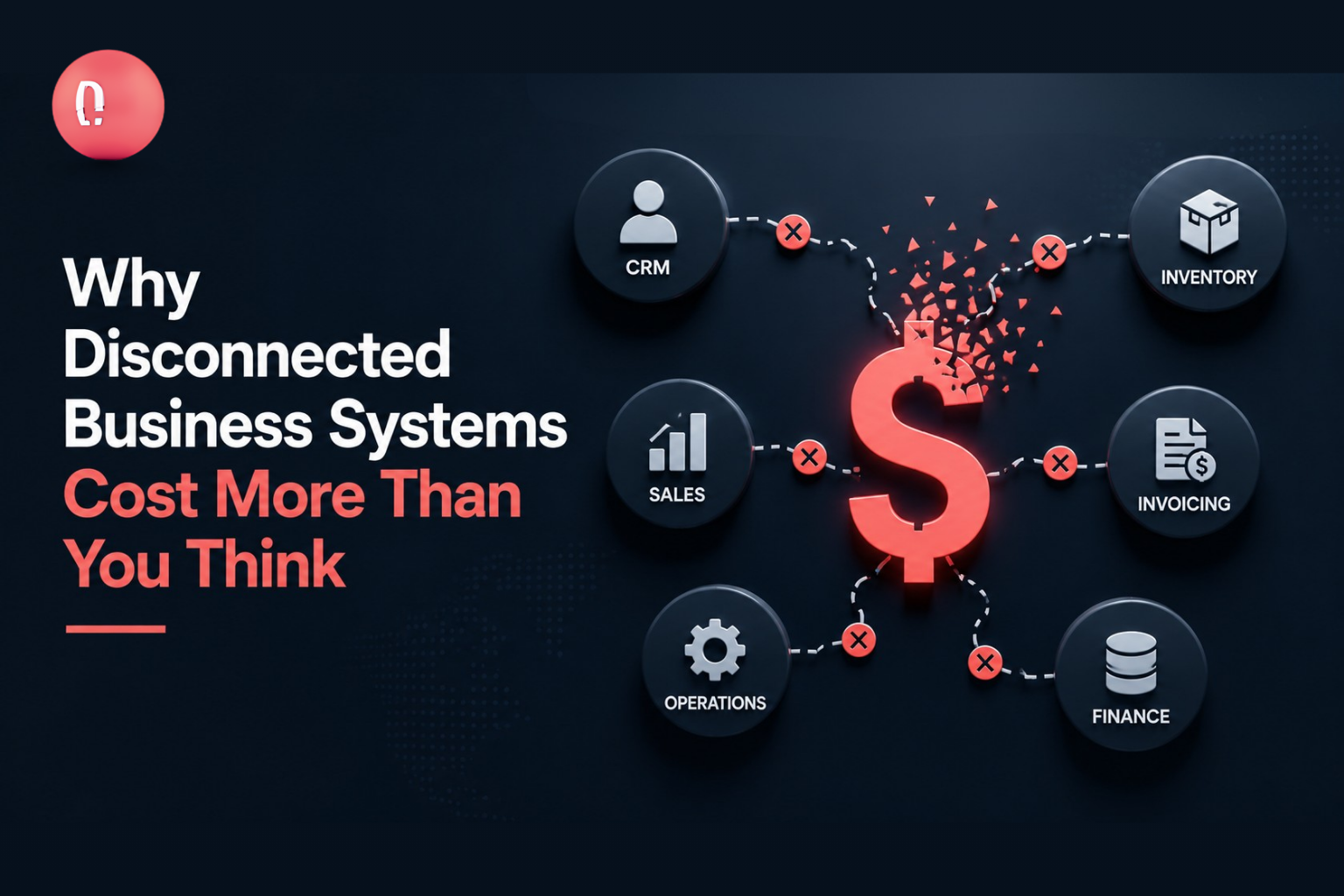
Modern businesses rely on multiple digital platforms to manage customers, sales, finance, employees, inventory, communication, and reporting. A company may use one platform for customer relationship management, another for accounting, and separate applications for inventory, marketing, customer support, and internal collaboration. Each system may perform its individual function well. However, problems begin when these systems cannot communicate with each other. Employees must then copy information between applications, update the same records several times, export spreadsheets, and manually verify data across different departments. These disconnected processes increase operational costs, create errors, delay decision-making, and reduce employee productivity. Professional Software Solutions can help businesses connect applications, automate workflows, and create a more coordinated digital environment. What Are Disconnected Business Systems? Disconnected business systems are applications, databases, or platforms that operate independently, even when they support related business processes. For example, a sales employee may add customer information to a CRM, but the finance department may still need to enter the same information into an accounting system. Similarly, an order placed through an e-commerce website may not automatically update inventory. An employee must review the transaction and manually adjust stock levels. This problem often develops gradually. Different departments purchase software based on their own immediate requirements without considering how those applications will connect with the rest of the organization. Over time, the business ends up with several useful platforms that do not form one coordinated technology environment. Common Signs Your Business Systems Are Disconnected Your organization may need API integration services when: These problems are not always caused by poor software. They are often caused by weak connections between otherwise useful systems. The Hidden Cost of Disconnected Software The cost of disconnected systems goes beyond software subscriptions. It affects productivity, reporting, customer service, security, and the organization’s ability to grow. Repetitive Manual Work When systems cannot exchange information, employees become responsible for moving data manually. A customer record may need to be entered into a CRM, finance platform, support system, and reporting spreadsheet. Every additional entry takes time that employees could spend on customer service, sales, planning, or other valuable activities. A professional IT Consultancy assessment can help identify repetitive workflows, technical limitations, and opportunities for automation. Data Entry Errors Manual data transfer increases the possibility of incorrect names, duplicated records, missing orders, inaccurate prices, and outdated customer information. Even a small mistake can affect invoicing, deliveries, stock management, reporting, or customer communication. When platforms are connected, approved information can move automatically between systems, reducing the need for repeated data entry. Delayed Business Decisions Business leaders need accurate and current information. When data is spread across different platforms, teams must collect, compare, and combine it before creating reports. By the time the report is completed, the information may already be outdated. Connected systems can provide leadership teams with more timely information about sales, expenses, customers, operations, and performance. Poor Customer Experience Disconnected platforms can make customers repeat information or wait longer for updates. A customer may place an order but receive no delivery update because the sales and logistics systems are not connected. Similarly, a support representative may not be able to view the customer’s purchase history without contacting another department. System integration helps customer-facing teams access relevant information more quickly. Limited Scalability Manual processes may work when a company has a small number of customers or transactions. As the business grows, the same processes become difficult to manage. More employees are required simply to transfer data and maintain records. Instead of supporting growth, the technology environment begins to slow the business down. What Are API Integration Services? An application programming interface, commonly called an API, allows different software systems to exchange information and perform approved actions. API integration services involve designing, developing, securing, testing, and maintaining these connections. For example, an API integration can automatically send customer information from a website to a CRM. The CRM can then share approved order information with an accounting system, while the inventory platform updates available stock. This process happens without employees entering the same information repeatedly. Which Business Systems Can Be Integrated? API integrations can connect many different types of platforms, including: Businesses increasingly depend on online platforms, making properly managed Cloud Services an important part of scalable application integration. The objective is not to connect every available application. The goal is to connect the systems where shared data and automation can create measurable operational value. How System Integration Improves Business Operations A Consistent Source of Information Integration reduces the number of separate records maintained by different departments. When customer, inventory, sales, or financial information is updated in one approved system, the relevant change can be shared with other connected platforms. This creates more consistent and reliable data across the business. Faster Workflows Connected systems can automatically trigger the next stage of a process. For example: Without integration, employees may need to complete several of these steps manually. Improved Reporting Integration allows information from sales, finance, customer support, inventory, and marketing platforms to be combined more efficiently. Leadership teams can access centralized dashboards rather than requesting separate reports from each department. This provides a clearer view of overall business performance. Better Customer Service Connected systems allow customer service representatives to access purchase history, payment status, delivery updates, previous communication, and support requests from one place. This enables faster and more accurate responses. Stronger Security Controls Integrating systems can also improve visibility into how sensitive information moves through the organization. However, APIs must be protected through authentication, encryption, permission management, input validation, monitoring, and secure credential storage. Professional Cyber Security services can help businesses protect APIs, application access, user identities, and sensitive information. API Integration Versus Custom Software Development Not every business problem requires a completely new platform. In many cases, existing applications already provide the required functions. They simply need to exchange information more effectively. API integration may be suitable when: Custom software may be more suitable when: A combination of custom software development and API integration often provides the most practical solution. How
Technology is now part of every business function. Teams use digital tools to communicate, manage customers, process payments, store files, run reports, protect data, and deliver services. When technology works well, employees stay productive and customers receive better service. When it fails, the entire business slows down. For many companies, IT problems are handled only when something breaks. A system goes down, an employee cannot access a tool, a device stops working, or a security alert appears. The team then rushes to fix the issue. This reactive approach may work for very small setups, but it becomes risky as the business grows. Managed IT services give businesses a better way to run technology. Instead of waiting for problems, managed services focus on monitoring, maintenance, support, security, and continuous improvement. The goal is simple: keep systems stable, secure, and ready for business growth. For growing companies, managed IT services are not just a technical convenience. They are a business strategy. They help reduce downtime, improve cybersecurity, control costs, support employees, and give leadership more confidence in daily operations. What Are Managed IT Services? Managed IT services involve outsourcing the management and support of business technology to a specialist provider. These services can include helpdesk support, network monitoring, cybersecurity management, cloud support, backup management, patching, endpoint protection, server maintenance, user access management, and IT reporting. Instead of hiring separate experts for every technical area, businesses can work with a managed service provider that acts as an extension of their internal team. This gives the organization access to skilled support without the cost and complexity of building a large in-house IT department. Managed services can support small businesses, mid-sized companies, and enterprise environments. The service model can be adjusted based on the size, risk level, industry, and technology needs of the organization. Why Reactive IT Support Creates Problems Reactive support means waiting until something goes wrong before taking action. This can create repeated interruptions and hidden costs. For example, if software updates are delayed, systems may become vulnerable. If backups are not monitored, the business may not discover a failure until recovery is needed. If devices are not managed properly, employees may face slow performance and security gaps. If network issues are not detected early, the business may suffer downtime during critical hours. Reactive IT also puts pressure on internal teams. Employees may spend time reporting issues, waiting for fixes, and finding temporary workarounds. Managers may lose visibility into recurring problems because the focus stays on quick fixes instead of root causes. Managed IT services shift the approach from reaction to prevention. The Proactive Advantage Proactive IT support means systems are continuously monitored and maintained. Problems are identified early. Updates are managed properly. Security risks are reviewed before they become serious. Support requests are tracked and resolved with structure. This approach helps businesses stay ahead of issues. It also creates a more stable work environment for employees. A proactive managed service model usually includes regular health checks, performance monitoring, security alerts, vulnerability management, software patching, backup verification, access reviews, and reporting. The result is fewer surprises, faster response, and better control over technology. Key Benefits of Managed IT Services 1. Reduced Downtime Downtime affects productivity, customer experience, and revenue. Even a short outage can delay work, stop communication, or interrupt service delivery. Managed IT services help reduce downtime through monitoring, maintenance, redundancy planning, and faster response. When systems are being watched continuously, warning signs can be detected before they turn into major problems. For example, storage capacity issues, server performance problems, network instability, and backup failures can often be identified early. This gives the team time to act before users are affected. 2. Stronger Cybersecurity Cybersecurity threats are growing more advanced. Businesses face phishing, malware, ransomware, credential theft, insider mistakes, cloud misconfigurations, and device-level risks. Managed IT services improve cybersecurity by adding structured protection across users, devices, networks, and cloud environments. This may include endpoint security, firewall monitoring, identity access control, vulnerability scanning, patch management, threat detection, incident response, and security awareness support. A managed service provider can also help businesses identify weak points and prioritize improvements. This is especially useful for companies that do not have a dedicated cybersecurity team. 3. Better Support for Employees Employees need technology to do their jobs. When they face repeated technical issues, productivity drops and frustration increases. Managed IT services provide structured support for everyday problems such as login issues, software errors, device troubleshooting, email problems, connectivity issues, and access requests. A good support process improves employee experience. Instead of depending on informal help or delayed responses, employees get clearer communication and faster resolution. This helps teams stay focused on their real work. 4. Predictable IT Costs Technology costs can become unpredictable when businesses operate without proper planning. Emergency fixes, unexpected hardware failure, security incidents, and urgent consultant fees can create financial pressure. Managed IT services provide a more predictable cost model. Businesses can plan monthly or yearly support costs and reduce the chances of expensive emergency work. This does not mean every cost disappears. But it does mean technology spending becomes more controlled and better aligned with business priorities. 5. Access to Skilled Experts Modern IT requires many skills. A business may need knowledge of cloud platforms, cybersecurity, networking, servers, endpoint devices, compliance, backup systems, and business applications. Hiring experts for all these areas can be difficult and costly. Managed IT services give businesses access to a wider technical skill set without needing to hire every role internally. This is valuable for growing companies that need expert support but also need to control overhead. 6. Improved Compliance Readiness Many businesses need to follow industry standards, customer requirements, or internal audit controls. Even if the company is not heavily regulated, basic IT documentation, security policies, access control, and backup processes are important. Managed IT services help improve compliance readiness by maintaining records, monitoring systems, applying security controls, and supporting audits. This can include access logs, patch records, incident reports, asset inventories, backup reports, and security
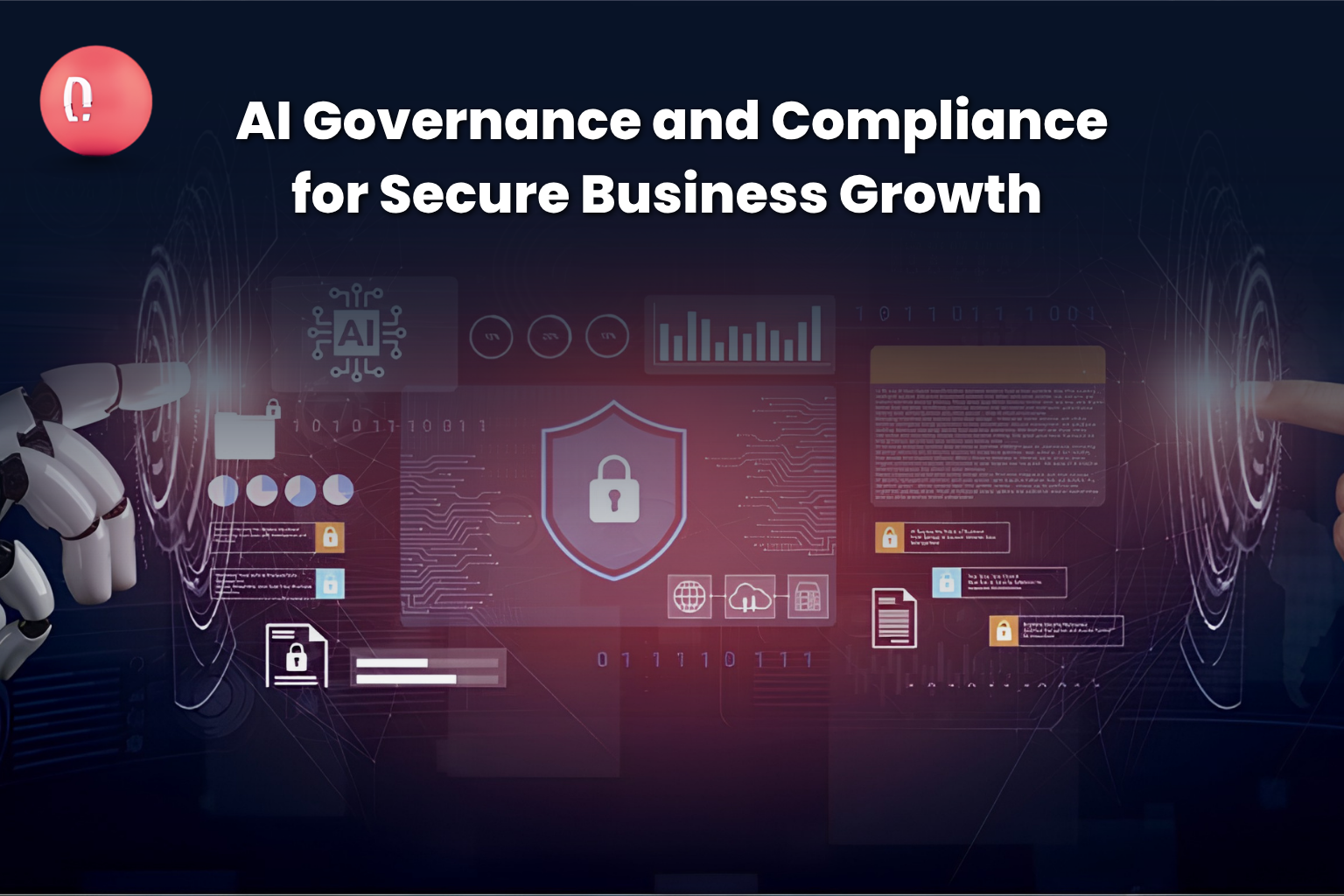
Artificial intelligence is no longer just a future technology. It is already becoming part of daily business operations. Companies are using AI for customer support, data analysis, automation, marketing, cybersecurity, recruitment, reporting, decision-making, and internal productivity. But as AI adoption grows, so does the risk. Many businesses are using AI tools without clear policies, proper access control, data protection rules, or compliance oversight. Employees may enter sensitive business data into public AI platforms. Teams may use AI-generated content without review. Companies may depend on automated decisions without understanding how those decisions are made. Vendors may also add AI features into software without giving full visibility into how data is processed. This is why AI governance and compliance have become critical for modern businesses. AI governance is the process of managing how artificial intelligence is used across an organization. It helps businesses define rules, reduce risks, protect data, improve transparency, and use AI responsibly. AI compliance ensures that AI systems follow legal, ethical, security, and industry requirements. For growing companies, AI governance is not only about avoiding risk. It is about building trust, improving security, and making sure AI supports business growth in a safe and controlled way. What Is AI Governance? AI governance is a structured approach for managing artificial intelligence across the business. It defines how AI tools are selected, used, monitored, secured, and reviewed. A good AI governance strategy answers important questions such as: Without governance, AI adoption can become uncontrolled. Different teams may start using different tools without IT, legal, security, or leadership oversight. This creates what many experts call “shadow AI,” where employees use AI systems without official approval or visibility. Shadow AI can expose sensitive data, increase compliance risk, and create security gaps. That is why businesses need clear AI policies before scaling AI across departments. What Is AI Compliance? AI compliance means making sure that AI systems follow relevant laws, regulations, industry standards, internal policies, and ethical requirements. AI compliance may include: Different industries may have different requirements. A healthcare company using AI must think about patient data. A financial services company must think about automated decisions and fraud detection. A recruitment company must think about fairness and bias. A government contractor must think about security, accountability, and audit readiness. This is why AI compliance cannot be treated as a simple checklist. It must be built into the company’s governance, cybersecurity, data management, and risk strategy. Why AI Governance Matters Now AI is moving faster than traditional business policies. Many companies are already using AI before they have proper governance in place. This creates several risks. First, there is the risk of data exposure. Employees may accidentally share confidential information, customer data, financial records, source code, legal documents, or internal business plans with AI tools. Second, there is the risk of inaccurate outputs. AI systems can produce wrong, outdated, biased, or incomplete information. If teams use these outputs without review, the business may make poor decisions. Third, there is the risk of compliance failure. AI-related regulations and standards are developing quickly. Businesses that do not prepare early may face future legal, financial, or reputational problems. Fourth, there is the risk of cyberattacks. AI systems can be targeted through prompt injection, data poisoning, model manipulation, credential misuse, and unauthorized access. NIST’s AI Risk Management Framework focuses on helping organizations better manage AI risks across individuals, organizations, and society. This shows that AI risk is not only a technical issue. It is also a governance, trust, and business management issue. The Link Between AI Governance and Cybersecurity AI governance and cybersecurity are closely connected. Any business using AI must think about how AI tools access, process, store, and generate data. For example, if employees use AI chatbots to summarize customer documents, the business must know whether that data is being stored, reused, or exposed. If developers use AI coding tools, the company must check whether sensitive code or credentials are being shared. If AI is connected to business applications, the company must control what actions the AI can perform. Cybersecurity teams must now protect not only networks, endpoints, and cloud systems, but also AI workflows, prompts, datasets, models, and third-party AI tools. AI security should include: A strong AI governance framework helps security teams understand where AI is being used and what risks need to be controlled. The Role of Data Governance in AI AI depends on data. If the data is sensitive, inaccurate, biased, outdated, or poorly protected, the AI output can create serious problems. This is why data governance is a key part of AI governance. Data governance defines how data is collected, stored, classified, accessed, protected, and used. Before a company scales AI, it must understand what data it has, where it lives, who can access it, and how it should be protected. Good data governance helps businesses: Without strong data governance, AI systems may create more risk than value. AI Governance and GRC Governance, Risk, and Compliance, also known as GRC, plays a major role in responsible AI adoption. AI governance should not be handled separately from the company’s broader risk management strategy. It should be connected with cybersecurity policies, compliance programs, internal controls, vendor management, and business continuity planning. A strong AI GRC approach includes: This helps leadership understand how AI is being used, what risks exist, and what controls are needed. For businesses, the goal is not to stop AI adoption. The goal is to make AI adoption safer, smarter, and more aligned with business goals. Common AI Risks Businesses Should Manage AI creates many opportunities, but it also brings risks that companies must manage carefully. 1. Data Privacy Risk Employees may enter confidential or personal data into AI tools without knowing how that data will be stored or used. 2. Security Risk AI systems can be attacked, manipulated, or connected to sensitive systems without proper controls. 3. Bias Risk AI tools can produce unfair or biased outputs if the training data or system design is flawed. 4. Accuracy
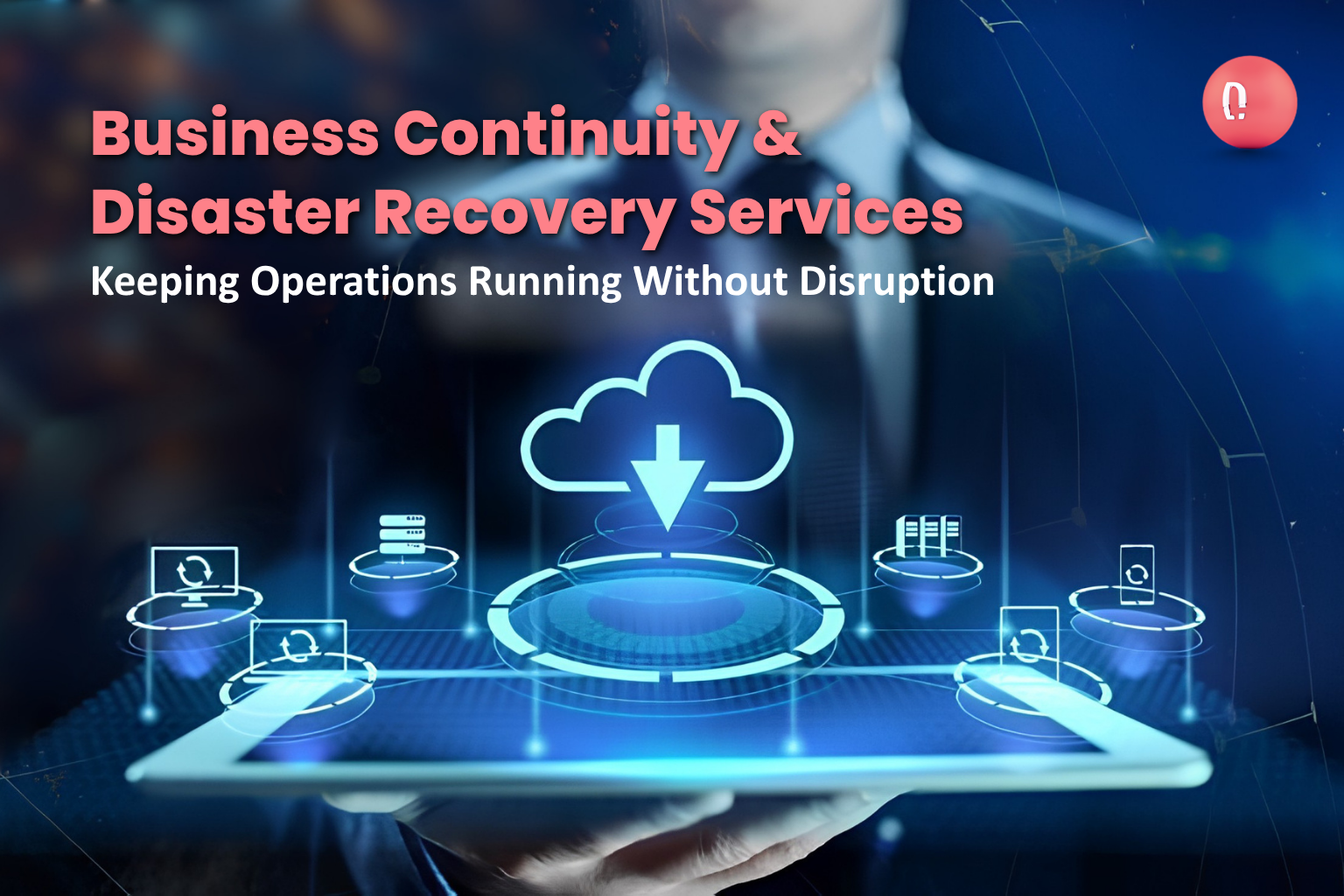
Unexpected disruptions are no longer rare events. From system outages and operational failures to natural disasters and large-scale emergencies, businesses today must be prepared to continue operating under any condition. The difference between organizations that survive disruption and those that struggle often comes down to one thing how well they are prepared to respond and recover. Many companies believe they are ready because they have backup plans or written procedures. However, when disruption actually occurs, these static plans often fail due to lack of coordination, limited visibility, and slow execution. This is where business continuity and disaster recovery services become essential. They transform traditional planning into structured, real-time operational systems that ensure continuity, control, and resilience. Understanding Business Continuity in Modern Operations Business continuity is not just about having a backup or contingency plan. It is about ensuring that critical operations continue without interruption, even when systems or environments fail. Modern continuity services focus on identifying essential business functions and building systems that support them during disruptions. This includes ensuring that teams know their roles, resources are available, and workflows can continue seamlessly. Instead of relying on documents that may or may not be followed during a crisis, continuity systems provide live execution frameworks that guide teams step by step. Why Traditional Disaster Recovery Approaches Fall Short Traditional disaster recovery often focuses only on restoring systems after failure. While recovery is important, it does not address the challenges that occur during the disruption itself. Organizations often face: These issues can significantly increase downtime and operational impact. Business continuity and disaster recovery services take a broader approach. They not only focus on recovery but also ensure that operations continue during the disruption, minimizing downtime and maintaining control. Strategic Continuity Planning Services A strong continuity strategy begins with proper planning. This involves analyzing the organization’s operations, identifying vulnerabilities, and defining response strategies for different scenarios. Continuity planning services help businesses: These plans are then converted into actionable systems that can be activated instantly when needed. The goal is to remove uncertainty. When disruption occurs, teams should not be figuring out what to do—they should be following a clear, structured process. Disaster Recovery System Design and Execution Recovery is a critical part of continuity. However, without a structured system, recovery efforts can become chaotic and inefficient. Disaster recovery services focus on building systems that ensure smooth and controlled restoration of operations. This includes designing workflows for system recovery, data restoration, and operational restart. Instead of reacting to failures, organizations can execute predefined recovery processes that are optimized for speed and efficiency. This reduces downtime and ensures that operations return to normal as quickly as possible. Real-Time Incident Response and Coordination During a disruption, time is one of the most critical factors. Delayed response can lead to increased losses and operational challenges. Continuity services provide systems that enable real-time incident tracking and response coordination. Teams can log incidents, assign tasks, and monitor progress as events unfold. This creates a centralized environment where all activities are visible and manageable. Decision-makers can access real-time information and respond quickly. By eliminating delays and improving coordination, organizations can manage disruptions more effectively. Resource Visibility and Allocation In any crisis situation, managing resources efficiently is essential. Organizations need to know what resources are available, where they are located, and how they are being used. Business continuity services provide real-time resource management capabilities. This ensures that personnel, equipment, and supplies are allocated effectively. With full visibility, organizations can avoid duplication, reduce delays, and ensure that critical tasks are supported properly. Efficient resource management plays a key role in maintaining operations during disruptions. Communication and Information Flow Communication breakdown is one of the most common causes of operational failure during disruptions. When teams do not have access to consistent and timely information, confusion and delays occur. Continuity services implement structured communication systems that ensure information flows smoothly across the organization. Updates are shared in real time, and all stakeholders have access to the same information. This reduces uncertainty and improves coordination. Clear communication also helps maintain confidence among teams, allowing them to focus on execution rather than uncertainty. Reporting, Documentation, and Compliance Accurate reporting is essential during and after disruptions. It helps organizations understand what happened, evaluate performance, and improve future responses. Continuity services include systems for real-time reporting and standardized documentation. This ensures that all actions are recorded and can be reviewed later. Organizations can generate reports quickly, maintain compliance with regulations, and use insights to strengthen their processes. This structured approach to reporting improves transparency and accountability. Testing, Simulation, and Continuous Improvement A continuity plan is only effective if it works in real scenarios. Testing and simulation services play a critical role in ensuring readiness. Organizations can run simulated scenarios to test their workflows, identify gaps, and improve their systems. Regular testing builds confidence and ensures that teams are prepared for actual disruptions. Continuous improvement is a key part of these services. Systems are updated based on insights and changing business needs, ensuring that they remain effective over time. Customization Based on Business Needs Every organization has unique operations and risks. Business continuity services are designed to be flexible and adaptable. Custom workflows can be created based on specific processes, industry requirements, and organizational structures. This ensures that continuity systems are practical and aligned with real-world operations. Instead of forcing businesses to adapt to rigid systems, these services adapt to the business. Building Long-Term Operational Resilience Business continuity is not just about surviving disruptions—it is about building resilience. Organizations that invest in continuity services are better equipped to handle uncertainty. They can respond quickly, recover efficiently, and maintain operations under challenging conditions. Resilience becomes a strategic advantage, enabling businesses to operate confidently in a rapidly changing environment. Strengthen Your Operations for the Unexpected Disruptions are inevitable, but their impact can be controlled. The key lies in having systems that are prepared, responsive, and efficient. Business continuity and disaster recovery services provide the structure and tools needed to manage
Moving to the cloud can feel like a “big switch” you flip—until you’re in it. Suddenly you’re juggling migrations, security questions, cost spikes, performance issues, and a long list of people asking, “Is this actually better than what we had before?” That’s exactly why DLAN cloud solutions focus on more than just moving workloads. DLAN helps organizations move with a plan, modernize with purpose, and scale with control—so the cloud becomes a business advantage, not a monthly surprise. Let’s break down what that looks like in real terms. What “Moving to the Cloud” Should Really Mean A successful cloud journey isn’t just about location (data center → cloud). It’s about outcomes: DLAN cloud solutions are designed around these outcomes—so cloud adoption is measurable, manageable, and aligned with business priorities. 1) Cloud Migration That Starts With Readiness (Not Guesswork) Cloud migration gets risky when teams rush in without understanding what they’re moving, why they’re moving it, and what “done” even means. DLAN helps organizations start with clarity by focusing on: Workload Discovery and Prioritization Not everything should move first (or move at all). DLAN helps map workloads by: Migration Strategy That Fits Your Reality Instead of pushing a single approach, DLAN cloud solutions support phased migration strategies that can include: Landing Zone and Foundation Setup A clean foundation avoids messy sprawl later. DLAN helps define: The result: migrations that don’t just “work”—they work reliably and securely. 2) Hybrid Strategies That Keep You Flexible Here’s the truth: not every organization is 100% cloud overnight. Sometimes you shouldn’t be. Regulatory needs, latency requirements, legacy platforms, or data residency constraints may require a hybrid approach (some systems on-prem, some in cloud). DLAN supports hybrid strategies by helping you: With DLAN cloud solutions, hybrid becomes a strategy—not a compromise. 3) Modernization: Don’t Just Lift and Shift Your Problems A “lift-and-shift” can be a good starting point—but if you stop there, you may carry old inefficiencies into a new environment. DLAN helps organizations modernize by improving: Modernization can include: The goal is simple: modernize what matters most, so the cloud delivers speed and resilience—not just a new hosting bill. 4) Cloud Optimization That Targets Cost Efficiency and Performance The cloud is powerful—but it’s also easy to overspend if you don’t manage it intentionally. That’s why DLAN cloud solutions prioritize continuous optimization, including: Cost Efficiency Without Sacrificing Capability DLAN helps teams reduce waste through: Performance Optimization Cloud performance issues usually come from a few common sources: DLAN helps tune systems so performance improves while costs stabilize—because speed and savings can coexist when optimization is deliberate. 5) Cloud Governance That Enables Speed (Instead of Blocking It) Governance gets a bad reputation because it’s often introduced as “more approvals and more rules.” DLAN approaches governance differently: guardrails, not roadblocks. DLAN cloud solutions can help you build governance practices around: This creates consistency across teams, reduces risk, and keeps scaling clean—especially when multiple departments are deploying resources. 6) Uptime, Resilience, and Business Continuity Built In If your cloud setup isn’t designed for resilience, you’ll feel it—usually at the worst possible time. DLAN helps organizations improve uptime by supporting: With DLAN cloud solutions, reliability isn’t luck—it’s architecture + discipline. How to Start with DLAN Cloud Solutions If you’re not sure where to begin, start small—but strategic. A typical approach could include: The cloud journey is smoother when every step answers one question: What business outcome are we improving? FAQ: DLAN Cloud Solutions What are DLAN cloud solutions best for? DLAN cloud solutions are ideal for organizations that want structured migration, modernization, optimization, strong governance, improved uptime, and cost efficiency—not just “moving servers.” Can DLAN support hybrid cloud environments? Yes—DLAN supports hybrid strategies by helping connect environments securely, standardize operations, and avoid siloed tooling. How does DLAN improve cloud cost efficiency? DLAN focuses on rightsizing, usage baselines, environment scheduling, lifecycle policies, and continuous optimization—so spending stays aligned to value. Does DLAN help with governance and security? DLAN supports governance through access controls, policy guardrails, audit readiness, and operational standards that allow teams to move faster with less risk. : If you’re planning a migration or need to stabilize and optimize what you already have, DLAN cloud solutions can help you move with confidence and scale with control.
Selecting the right software solutions provider is one of the most important decisions a business can make. The right partner can help streamline operations, improve efficiency, and support long-term growth, while the wrong choice can lead to costly delays, inefficiencies, and frustration. With so many providers available, it’s essential to evaluate potential partners carefully. This guide highlights the key factors to consider to ensure your business chooses a provider that meets your needs and aligns with your goals. Key Factors to Consider Before Choosing a Software Solutions Provider Choosing the right provider can significantly impact your business efficiency and growth. Evaluating expertise, customization options, support, and alignment with your goals ensures you select a partner that delivers long-term value. 1. Experience and Industry Expertise Look for a provider with a proven track record in delivering software solutions for businesses similar to yours. Experience in your industry or with similar business challenges ensures the provider understands your specific requirements. Experienced providers can anticipate potential issues, recommend best practices, and deliver solutions that truly add value. 2. Range of Services A strong software solutions provider offers more than just development. Look for partners that provide end-to-end services, including strategy consulting, system integration, workflow analysis, implementation, training, and ongoing support. Comprehensive services ensure your solution works seamlessly from planning through deployment and beyond. 3. Customization Capabilities Every business has unique workflows and goals. A good provider should offer flexible solutions that can be tailored to your processes. Customization ensures the software aligns with your operations, avoids unnecessary complexity, and maximizes efficiency. Avoid providers that only offer rigid, one-size-fits-all solutions. 4. Technology Stack and Innovation Evaluate the technologies your potential provider uses and whether they are current, reliable, and scalable. Providers that embrace modern technologies and innovative approaches can deliver solutions that grow with your business. They should also stay updated with industry trends to ensure your software remains future-ready. 5. Client References and Reviews Check client testimonials, case studies, and reviews to understand the provider’s reputation and reliability. Speaking with past clients can give insight into their experience, communication, project delivery, and post-implementation support. A provider with consistently positive feedback is more likely to meet your expectations. 6. Support and Maintenance Software implementation doesn’t end at deployment. Look for a provider that offers ongoing support, troubleshooting, updates, and maintenance. Reliable post-deployment services ensure your software remains secure, efficient, and adaptable as your business evolves. 7. Cost Transparency and Value While budget is important, the cheapest option is not always the best. Look for a provider that offers transparent pricing and clear deliverables. Consider the long-term value of the solution, including efficiency gains, scalability, and reduced operational risks. Investing in quality software can save money and time in the long run. 8. Cultural Fit and Communication A strong partnership requires good communication and alignment with your company culture. Your provider should understand your goals, communicate clearly, and collaborate effectively with your team. A provider who listens and adapts to your needs ensures a smoother, more successful project. Why Businesses Choose DLAN as a Software Solutions Provider DLAN offers tailored software solutions that align with business objectives. Their team focuses on understanding your workflows, designing scalable solutions, and providing ongoing support. With expertise across industries and technologies, DLAN ensures that your software investment drives efficiency, productivity, and long-term growth. Ready to find the right software solutions partner for your business?Contact DLAN today to discuss your needs and get expert guidance for a solution that supports your goals.
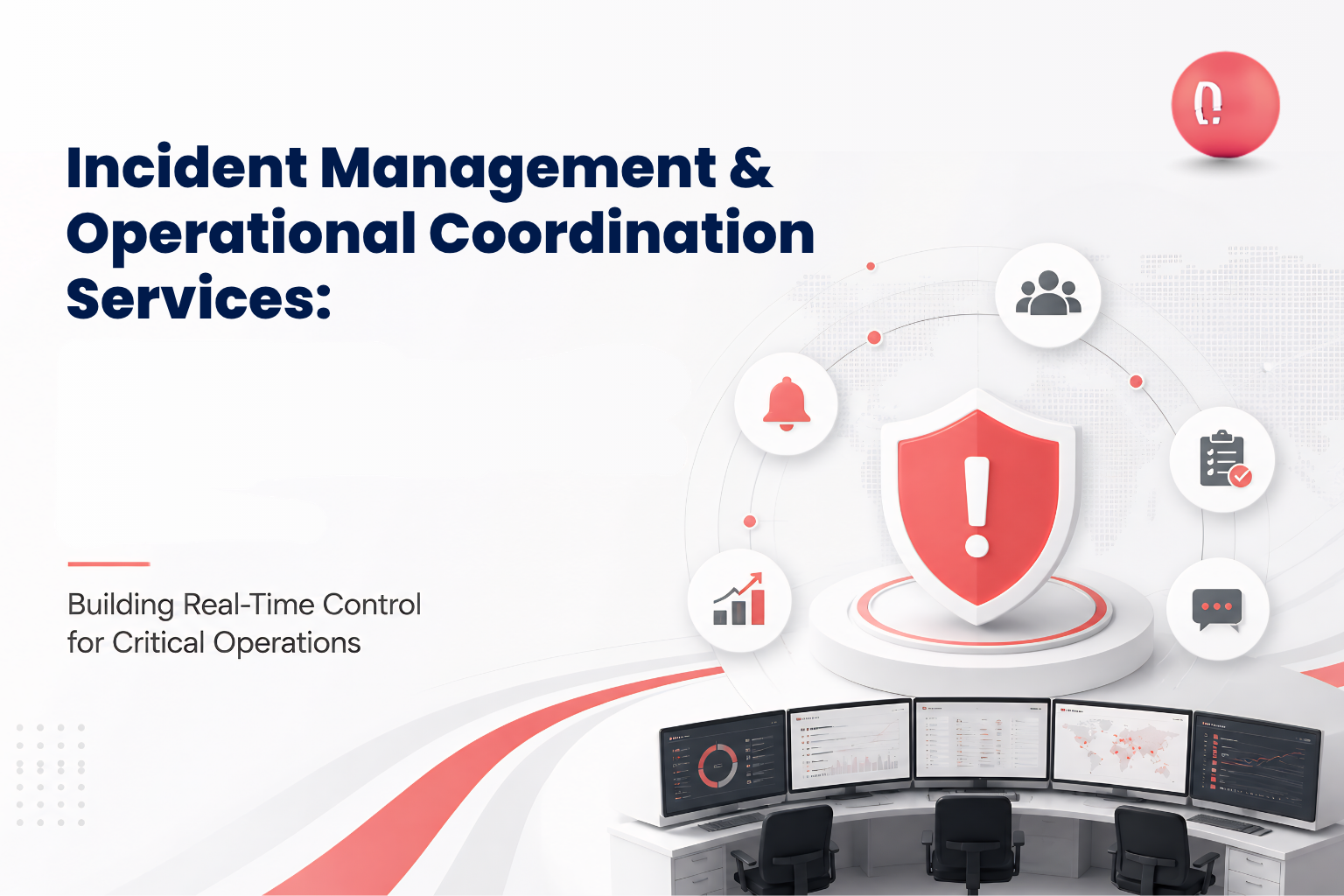
In high-pressure environments, whether it’s managing large-scale operations, handling emergencies, or coordinating multiple teams, clarity and speed are everything. Most organizations struggle not because of lack of resources, but because of lack of coordination, visibility, and structured systems. This is where modern incident management and operational coordination services come into play. Instead of relying on scattered communication, spreadsheets, or delayed reporting, businesses and agencies can operate through a centralized, real-time system that connects everything—people, data, and decisions. The Real Challenge: Disconnected Operations Organizations dealing with complex operations often face the same problems: These issues create confusion, slow response times, and increase the risk of poor decision-making. Operational coordination services solve this by creating a single system where everything is visible, trackable, and actionable in real time. Centralized Command & Control Systems One of the core services provided is building centralized command systems where all operations are managed from a single interface. This allows organizations to: Instead of relying on multiple channels, everything is connected in one place, improving clarity and control. Systems like these are designed to ensure that everyone sees the same information at the same time, which is critical for fast and accurate decision-making. Real-Time Resource & Asset Management Managing resources during operations is one of the most challenging tasks. Without proper systems, tracking personnel, equipment, and supplies becomes chaotic. This service focuses on: Organizations gain full visibility into their resources, allowing them to respond quickly and avoid delays. Advanced systems enable tracking across multiple locations while maintaining a clear operational overview. Situation Reporting & Workflow-Based Execution Another critical service is structured reporting and workflow management. Instead of manual reporting, organizations can generate real-time updates and reports automatically. This includes: These systems ensure that reporting is not only faster but also consistent and reliable. Operational workflows are designed to guide teams step-by-step, ensuring that every task is completed correctly and on time. GIS Mapping & Operational Visibility One of the most powerful capabilities in operational systems is visual awareness. Through mapping and visualization services, organizations can: This provides a “big picture” view of operations, helping decision-makers understand situations instantly and act accordingly. Real-time dashboards and mapping tools transform raw data into actionable insights, improving coordination across teams. Mobile & Field Operations Enablement Operations don’t happen only in offices—they happen in the field. That’s why mobile enablement is a key part of these services. Teams in the field can: Data collected in the field syncs automatically with the central system, ensuring that decision-makers always have the latest information. Mobile-first capabilities also allow organizations to track personnel and activities in real time, improving accountability and efficiency. Custom Workflow Configuration Every organization operates differently. A one-size-fits-all system rarely works. These services include building custom workflows tailored to your operations, allowing you to: This flexibility ensures that the system adapts to your operations—not the other way around. Seamless Communication Across Teams Communication breakdown is one of the biggest reasons operations fail. Operational coordination services create systems where: This eliminates confusion and ensures that everyone is aligned with the current situation. End-to-End Operational Lifecycle Support These services are not limited to a single phase. They cover the entire operational lifecycle: This end-to-end approach ensures continuity and consistency across all stages of operations. Industry Applications Operational coordination systems are used across multiple industries: Any organization that deals with complex, multi-team operations can benefit from these services. Why These Services Matter When operations are connected, businesses and agencies experience: Instead of reacting to problems, organizations can operate proactively with full control and visibility. The Future of Operational Systems The future of operations lies in connected, real-time systems where information flows instantly and decisions are data-driven. Organizations that adopt structured operational coordination systems will have a clear advantage in managing complexity, scaling operations, and delivering better outcomes. Take Control of Your Operations Managing complex operations without the right system leads to delays, confusion, and missed opportunities. The solution is not more tools—it is a connected operational platform that brings everything together. If you want to improve visibility, streamline coordination, and gain real-time control over your operations, explore how DLAN.ai can help you build a smarter, more efficient system tailored to your needs.
- 1
- 2